

PART II — Meeting the Assistants
Chapter 9
Gemini: My Next Stop
Why I Tried Gemini
After becoming comfortable with ChatGPT, I wasn't looking for a replacement. I was curious whether another AI assistant would approach the same questions differently.
Gemini was the natural next step because I already spent much of my day using Google's products. Gmail, Google Drive, Google Docs, and my Android devices were part of my normal routine, so trying Google's AI felt both convenient and familiar.
I wanted to see whether working inside an ecosystem I already knew would change the experience or reveal strengths I hadn't yet discovered.
What I Discovered
Different AI assistants often organize information differently, emphasize different ideas, and explain concepts in their own style.
That led me to a better question: not "Which AI is the best?" but "Which AI is the best fit for what I'm trying to accomplish?"
Comparing thoughtful answers from more than one assistant frequently gave me a deeper understanding than relying on a single response.
When I Reach for Gemini
These days, I often begin with Gemini simply because it's convenient.
The ability to work with images is another example. If you are looking at something on your cell phone—a meme, a photograph, an unfamiliar animal, or a plant—you can select the image and bring it into Gemini rather than trying to describe what you see. You can then ask Gemini what it is, what it means, or what you want to know about it.
If I'm already working on my cell phone or tablet, Gemini is right there. I don't have to stop what I'm doing, open another application, or change the way I'm working.
That convenience matters. When I need a quick explanation, want to organize information, brainstorm ideas, or ask a question related to something I'm already doing in Google's ecosystem, Gemini is often my first choice.
If I later want another perspective, I may ask the same question of another AI assistant and compare the responses. Over time, I've learned that using more than one AI isn't about finding a winner. It's about gathering different perspectives before deciding what will be most helpful.
A Practical Reminder
During this stage of my AI journey, the free versions met most of my needs. Only later did I begin evaluating whether premium subscriptions and additional capabilities were worth the investment for larger, long-term projects.
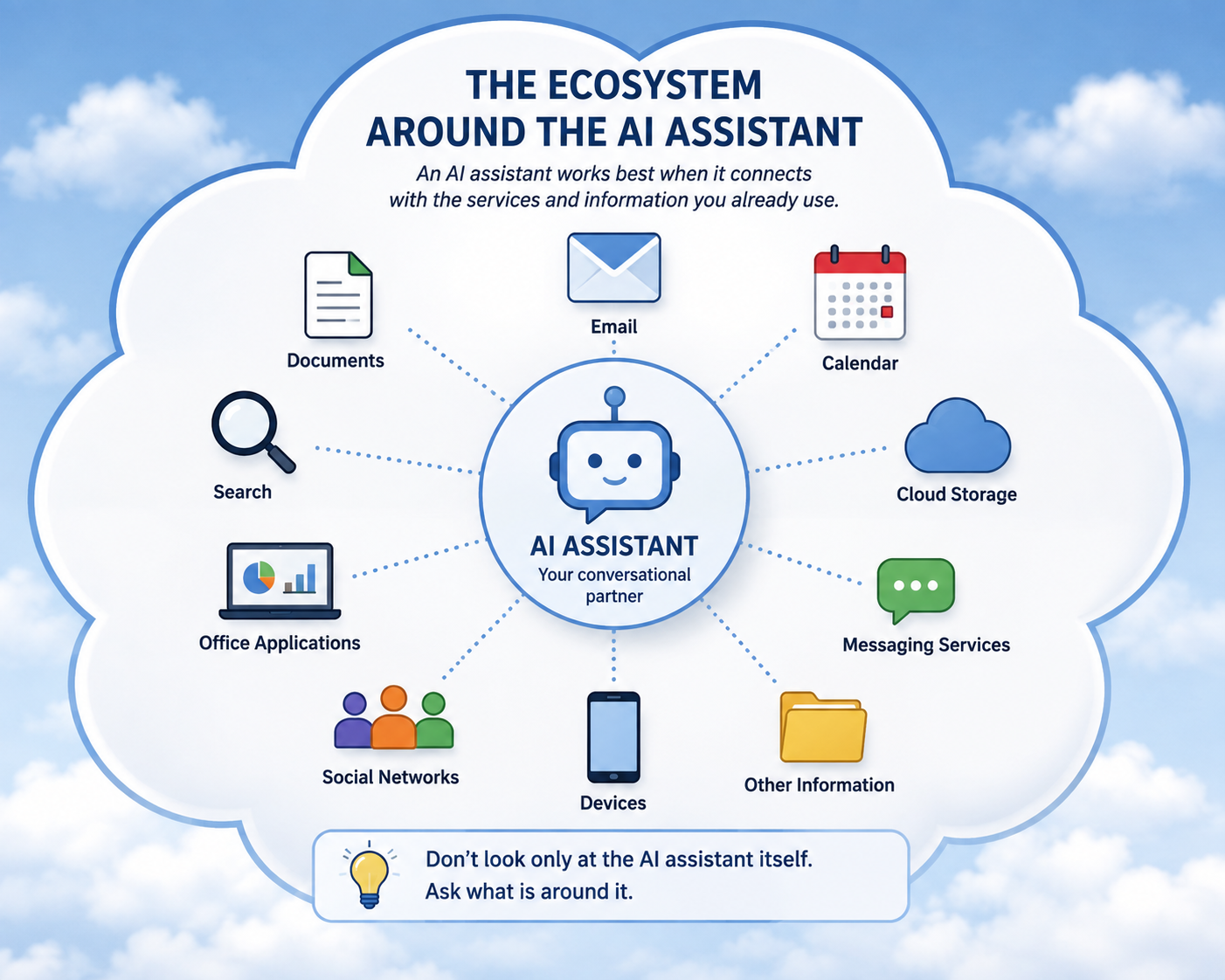
For the reader, the practical idea is more useful than a list of model names: an AI assistant can become more useful when it can work with information you already use, rather than requiring you to move everything into a separate conversation.
A Little Technical Detail
Gemini is built around Google's family of generative AI models and services. One reason it can feel different from a stand-alone chatbot is that the assistant can be connected with information and applications in the Google ecosystem. The exact connections and capabilities depend on the product, account, device, and settings, and they can change over time.
The appendices provide a more detailed discussion of AI connections to personal information, including Google services, for readers who want to go further.
Try It Today
The next time you're already using Gmail, Google Drive, Google Docs, or an Android device, open Gemini and ask it to help with the task you're already working on. Notice how its integration fits naturally into your workflow.
This is Chapter 9 of Understanding AI
Chapter 9 takes you from knowing that other AI assistants exist to trying one for yourself. Gemini shows how an AI assistant can become especially useful when it fits into tools and information you already use.
You don't need to choose your AI assistant all at once.
Want to explore this idea further?
The next chapters introduce other major AI assistants and show how they differ.
Ready to continue?